
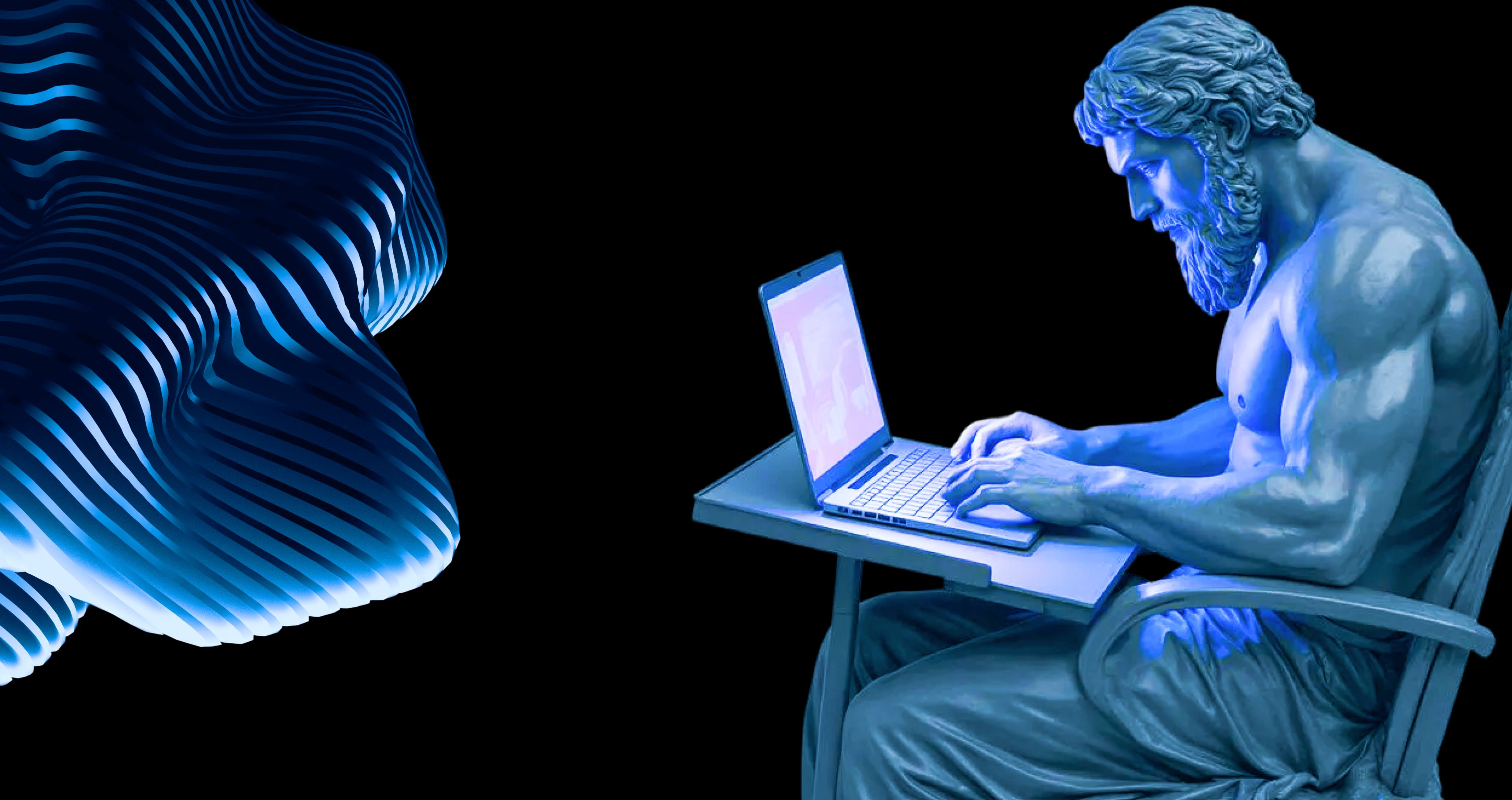
WEB Tasarımıve UI&UX
WEB and UI&UX DESIGN
WHY UI & UX Design?
A beautiful-looking interface attracts attention; but user experience (UX) — ensures visitors "stay" on the site, easily find what they're looking for, and interact with your brand. With UI (user interface), we determine elements like visual language, color, layout, and typography; with UX, we focus on navigation, flow, usability, logic, and accessibility. This combination impacts your visitors, builds trust in your brand, and increases conversion likelihood.WHY UI & UX Design?
What Do We Offer?
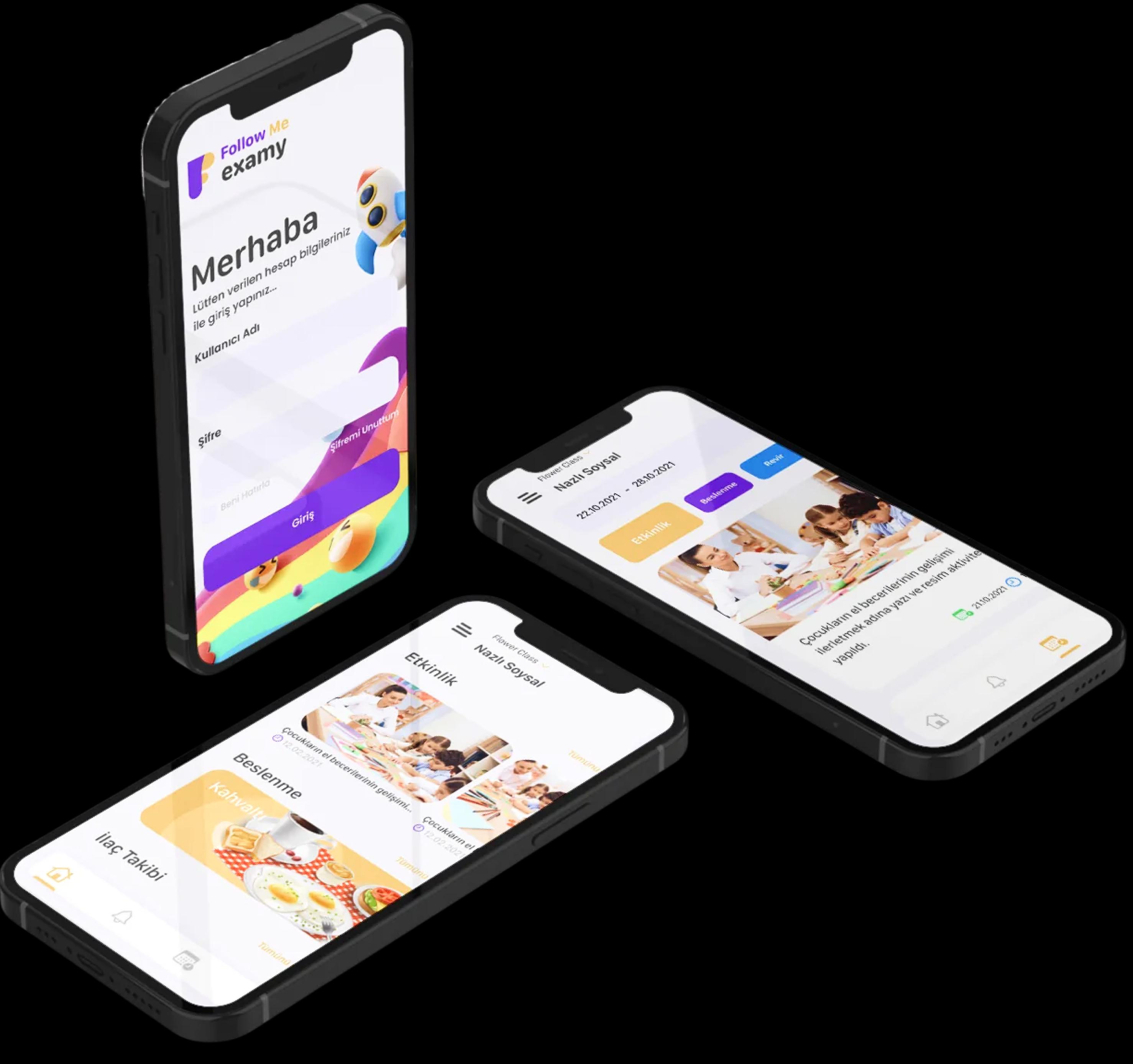
Skeleton Design and Wireframing
Low-Fidelity Wireframe
Simple sketch designs showing the layout plan on paper or digitally.
High-Fidelity Wireframe
Detailed skeleton designs close to the final design, where content is placed but not colored.
User Flow Design
Flow diagrams showing which screen opens when a button is pressed.
What Do We Offer?
Skeleton Design and Wireframing
Low-Fidelity Wireframe
Simple sketch designs showing the layout plan on paper or digitally.
High-Fidelity Wireframe
Detailed skeleton designs close to the final design, where content is placed but not colored.
User Flow Design
Flow diagrams showing which screen opens when a button is pressed.
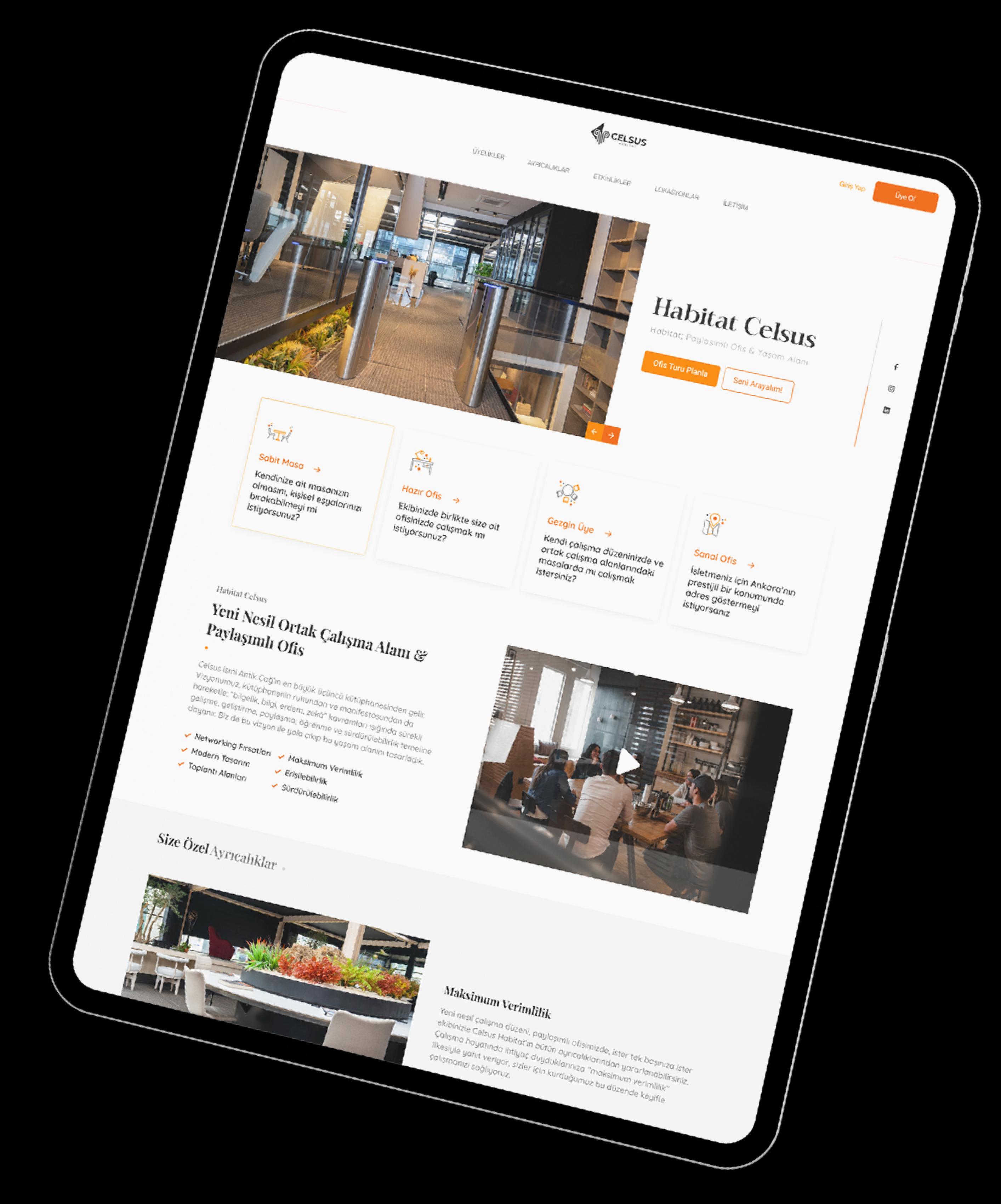
Interface
Prototyping
& Interaction
Interactive Prototype
Preparing simulations through Figma where page transitions and buttons work.
Micro-interactions Design
Fine details like heart animation when pressing the like button or loading animations.
Usability Testing
Having real users test the prepared prototype and detecting errors before the development phase.
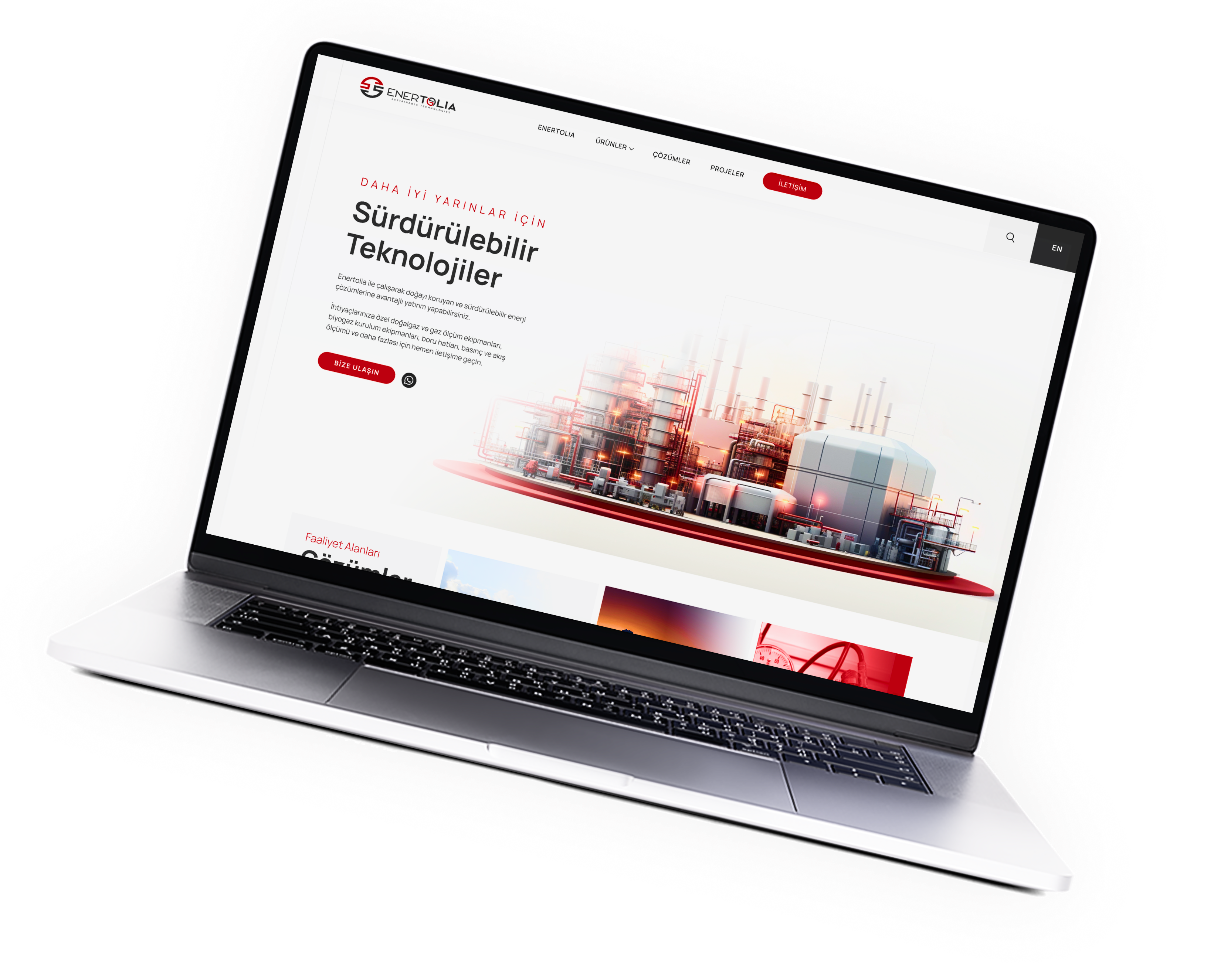
Prototyping
Interactive Prototype
Preparing simulations through Figma where page transitions and buttons work.
Micro-interactions Design
Fine details like heart animation when pressing the like button or loading animations.
Usability Testing
Having real users test the prepared prototype and detecting errors before the development phase.
Design System